
Time Stretcher
Use the Time Stretcher in ScriptCompiler to expand or compress funscript timing while preserving stroke patterns and motion.
Overview
The Time Stretcher tool adjusts the timing of selected points by stretching or compressing them. The pattern shape is preserved while the speed changes.
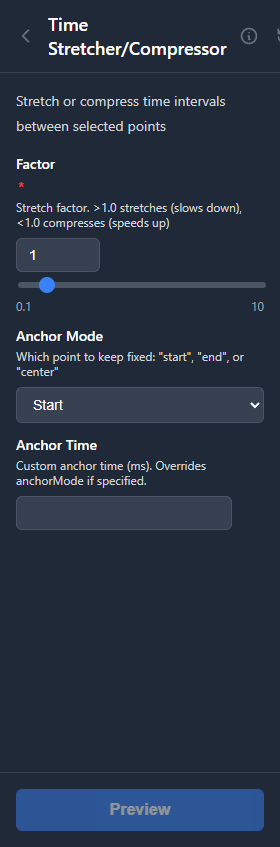
Stretch (Slow Down)
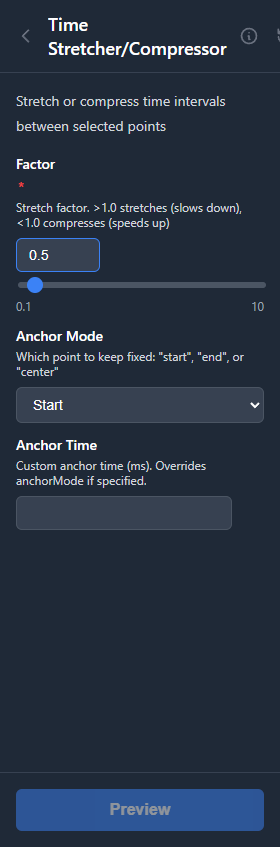
Compress (Speed Up)
How It Works
The tool scales the time intervals between selected points:
- Values greater than 1 slow down the pattern (stretch time)
- Values less than 1 speed up the pattern (compress time)
- Value of 1 keeps timing unchanged
The first selected point remains at its original position, and subsequent points are moved based on the stretch factor.
Parameters
| Parameter | Range | Default | Description |
|---|---|---|---|
| Stretch Factor | 0.1 to 10 | 1.0 | Time multiplier |
Use Cases
Slow Motion Effect
Use a factor greater than 1 to create a slow-motion version of a pattern. A factor of 2 makes the pattern take twice as long.
Speed Up Repetitive Sections
Use a factor less than 1 to compress time. A factor of 0.5 makes the pattern complete in half the time.
Sync with Different Video Speeds
If your video was recorded at a different speed than the source material, use the time stretcher to adjust the script to match.
Tips
Select Complete Patterns
Select the entire pattern you want to stretch for consistent results. Stretching partial patterns can create discontinuities.
Check Device Limits
Speeding up patterns significantly (factor less than 0.5) may exceed device speed limits. Check the Script Overview for red (very fast) sections.