
Settings
Configure appearance, timeline, drawing, layout, network, Stash, tracking, and export options.
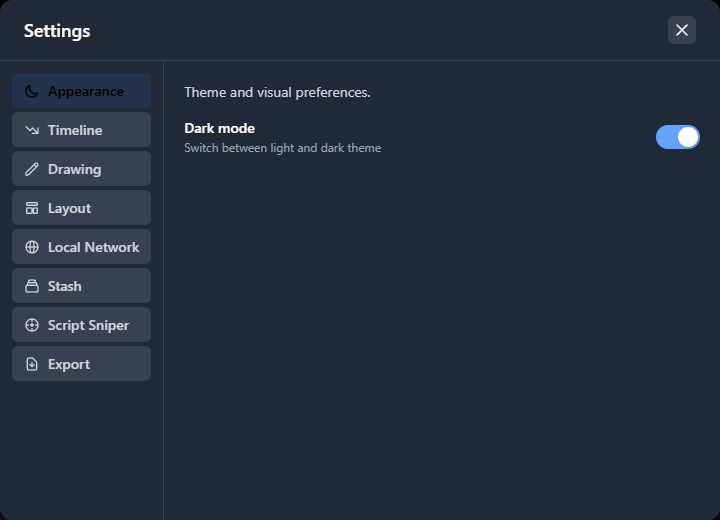
The Settings modal contains all configurable options organized into tabs. Changes are saved automatically and persist between sessions. Some tabs only appear when the relevant feature is available, such as Bridge when the ScriptCompiler Bridge is connected.
Opening Settings
Open Settings from the Options menu in the header. The modal displays a vertical tab list on the left and the selected tab's options on the right.
Appearance
Theme and visual preferences.
| Setting | Description |
|---|---|
| Dark mode | Switch between light and dark theme. Affects all editor panels and controls. |
Timeline
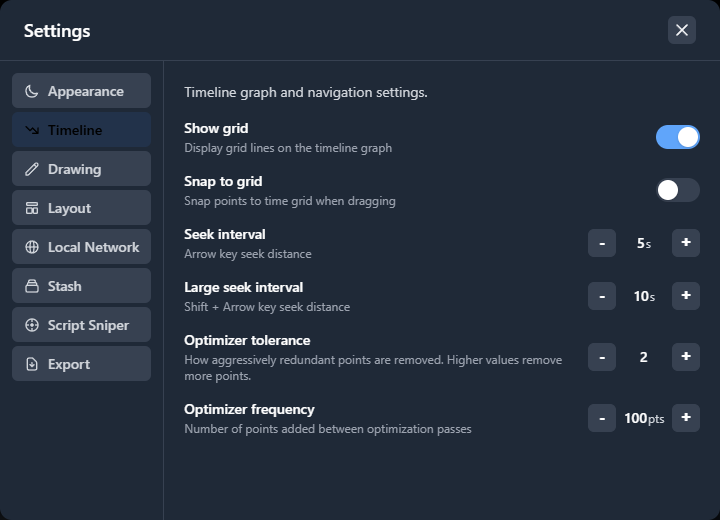
Timeline graph and navigation settings.
| Setting | Description | Range | Default |
|---|---|---|---|
| Show grid | Display grid lines on the timeline graph | On / Off | On |
| Snap to grid | Snap points to the time grid when dragging | On / Off | Off |
| Snap size | Grid interval for snapping (only visible when snap is enabled) | 10 - 300 ms | 100 ms |
| Seek interval | Distance jumped when pressing the Left / Right arrow keys | 1 - 60 s | 5 s |
| Large seek interval | Distance jumped when pressing Shift + Arrow keys | 1 - 120 s | 30 s |
| Optimizer tolerance | How aggressively redundant points are removed. Higher values remove more points. | 0.5 - 10 | 2.0 |
| Optimizer frequency | Number of points added between automatic optimization passes | 10 - 500 pts | 100 pts |
| Chapter classification frame | Which frame of a chapter is sent to the AI when auto-naming chapters. Only used on plans that include chapter classification. | Start / Middle / End | Start |
Drawing
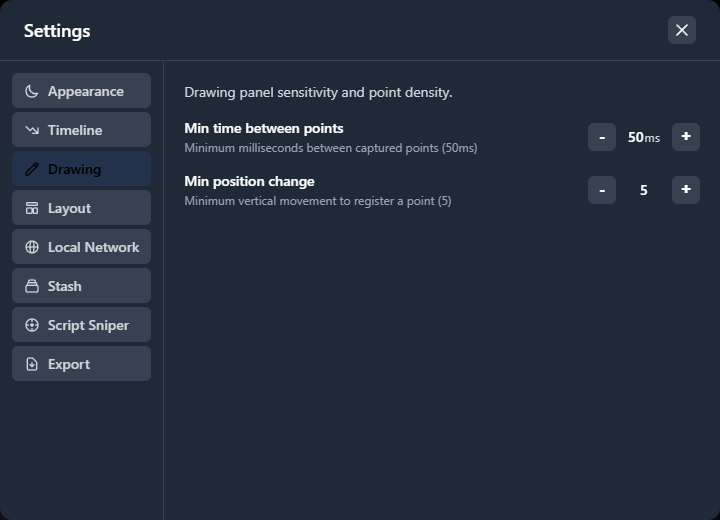
Drawing panel sensitivity and point density.
| Setting | Description | Range | Default |
|---|---|---|---|
| Min time between points | Minimum milliseconds that must pass before a new point is captured | 50 - 1000 ms | 50 ms |
| Min position change | Minimum vertical movement required to register a new point | 1 - 50 | 2 |
Both conditions must be met for a new point to be created. Increasing these values produces sparser scripts with fewer points. See Drawing Mode for the full drawing workflow.
Layout
Panel layout and sizing.
| Setting | Description |
|---|---|
| Compact controls | Use a single-row controls bar. Disable for the classic two-row layout with a larger seek bar. |
| Reset layout | Restore all panel sizes to their defaults. Only available on desktop. |
Panel sizes are saved automatically when you drag the dividers between sections. Use Reset layout if you want to start fresh.
Local Network
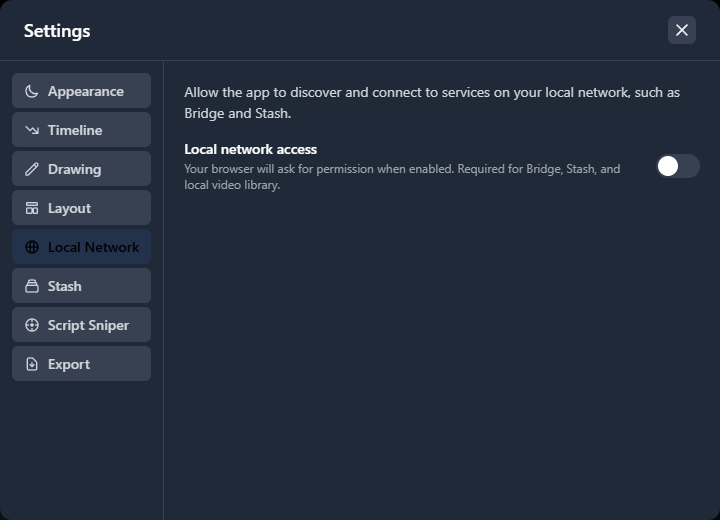
Allow the app to discover and connect to services on your local network, such as Bridge and Stash.
| Setting | Description |
|---|---|
| Local network access | Enable or disable local network connections. Your browser will ask for permission when first enabled. Required for Bridge, Stash, and the local video library. |
When local network access is enabled, a status panel shows the connection state for Bridge and Stash with colored indicators (green for connected, grey for not found or not configured).
Stash
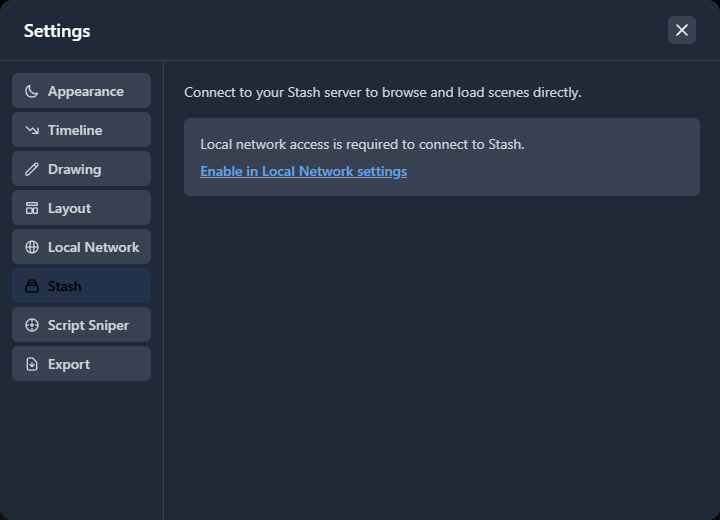
Connect to your Stash server to browse and load scenes directly. Local network access must be enabled first.
| Setting | Description |
|---|---|
| Server URL | The URL where your Stash server is running (e.g. http://localhost:9999) |
| API Key | Optional. Required only if Stash has authentication enabled. |
| Test Connection | Verify that ScriptCompiler can reach your Stash server with the provided URL and API key. |
If local network access is not enabled, the Stash tab shows a message with a link to enable it in the Local Network tab. See Stash Library for the full integration guide.
Script Sniper
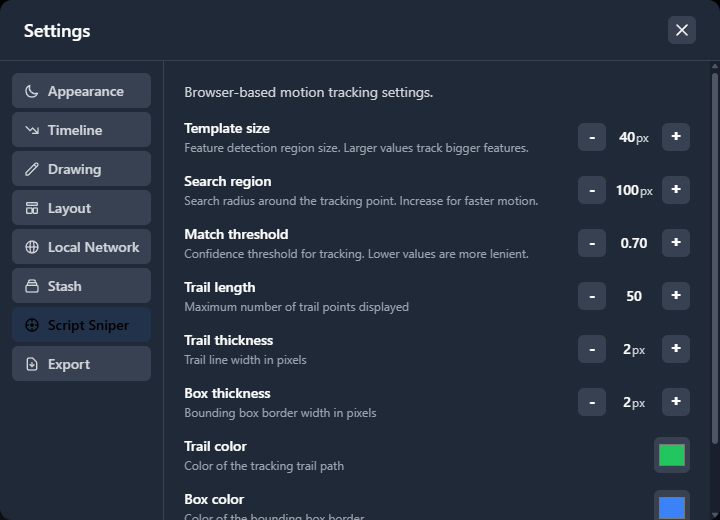
Browser-based motion tracking settings.
| Setting | Description | Range |
|---|---|---|
| Template size | Feature detection region size. Larger values track bigger features. | 10 - 200 px |
| Search region | Search radius around the tracking point. Increase for faster motion. | 20 - 500 px |
| Match threshold | Confidence threshold for tracking. Lower values are more lenient. | 0.10 - 1.00 |
| Trail length | Maximum number of trail points displayed on the overlay | 5 - 200 |
| Trail thickness | Trail line width in pixels | 1 - 8 px |
| Box thickness | Bounding box border width in pixels | 1 - 8 px |
| Trail color | Color of the tracking trail path (color picker) | Any color |
| Box color | Color of the bounding box border (color picker) | Any color |
| Direction arrow | Show an arrow inside the bounding box indicating stroke direction | On / Off |
| Lasso follows drag direction | When drawing a new bounding box, rotate it so 0% is at the drag start and 100% is at the drag end | On / Off |
| Reset defaults | Restore all tracking settings to their defaults | - |
See Script Sniper for the full tracking workflow.
Export
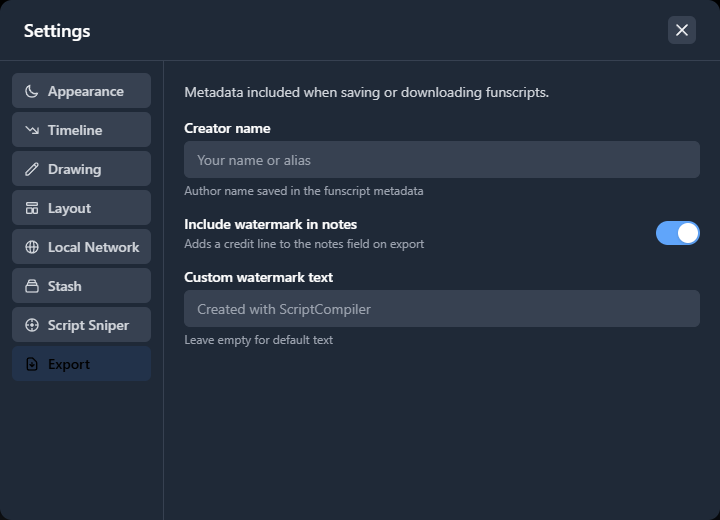
Metadata included when saving or downloading funscripts.
| Setting | Description |
|---|---|
| Creator name | Your name or alias saved in the funscript metadata as the author |
| Include watermark in notes | Adds a credit line to the notes field on export. Free plan always includes the default ScriptCompiler credit. Pro users can toggle this off or customize the text. |
| Custom watermark text | Only visible when watermark is enabled on Pro. Leave empty for the default "Created with ScriptCompiler" text. |
| Export timestamps as integers | Round point timestamps to whole milliseconds in the exported funscript. Improves compatibility with players that expect integer times. |
See Exporting Scripts for more details on the export process.
Bridge
Settings for the ScriptCompiler Bridge desktop companion. This tab only appears when the Bridge is connected. While it is not connected, the tab shows a message prompting you to start the Bridge app.
| Setting | Description |
|---|---|
| Start with system | Automatically launch the Bridge when you log in to your computer. |
| yt-dlp Video Quality | Preferred quality when the Bridge downloads a video, from best MP4 down to audio only. Choose Custom format string to supply your own. |
| Custom Format String | Only visible when quality is set to Custom. A yt-dlp format string controlling exactly which streams are downloaded. |
Euphoria F1
Settings for the Euphoria F1 device. This tab opens the F1 Sync configuration dialog where you set sensor mapping, range, and related options for how ScriptCompiler talks to the device.