
Position Multiplier
Use the Position Multiplier in ScriptCompiler to scale funscript position values, adjusting stroke intensity up or down.
Overview
The Position Multiplier tool scales the position values of selected points by a multiplier. Use it to increase or decrease the intensity of movements without changing their timing.
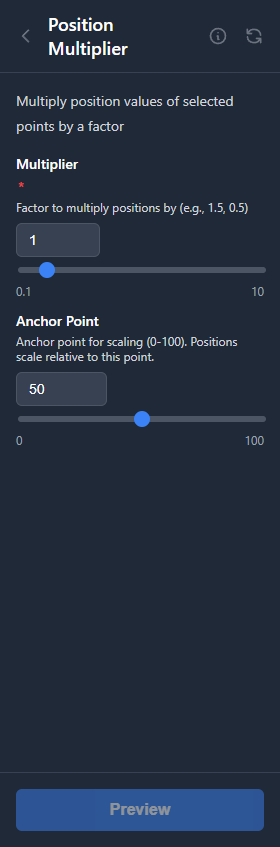
Increase Intensity
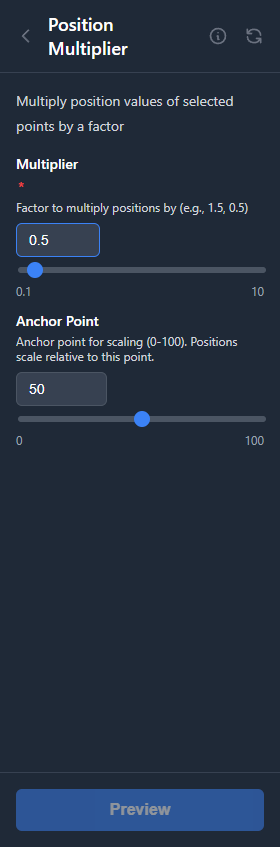
Decrease Intensity
How It Works
The tool multiplies each point's distance from a reference point (typically 50) by the specified factor:
- Values greater than 1 increase intensity (expand from center)
- Values less than 1 decrease intensity (compress toward center)
- Value of 1 keeps positions unchanged
- The minimum value is 0.1 (cannot go negative)
Results are clamped to the valid range (0-100) to prevent invalid positions.
Parameters
| Parameter | Range | Default | Description |
|---|---|---|---|
| Multiplier | 0.1 to 10 | 1.0 | Scale factor for position values |
| Anchor Point | 0 to 100 | 50 | Reference point for scaling |
Examples
Increase Intensity (1.5x)
A point at position 75 with center 50:
- Distance from center: 75 - 50 = 25
- Scaled distance: 25 * 1.5 = 37.5
- New position: 50 + 37.5 = 87.5
Decrease Intensity (0.5x)
A point at position 80 with center 50:
- Distance from center: 80 - 50 = 30
- Scaled distance: 30 * 0.5 = 15
- New position: 50 + 15 = 65
Tips
Preserve Extremes
Points at 0 or 100 stay at those extremes when using center 50. Use a different center point if you need to shift extreme values.
Combine with Selection
Select only the section you want to modify. This lets you adjust intensity in specific parts without affecting the entire script.