
Distribute
Use the Distribute tool in ScriptCompiler to space selected funscript points evenly across a time range for uniform timing.
Overview
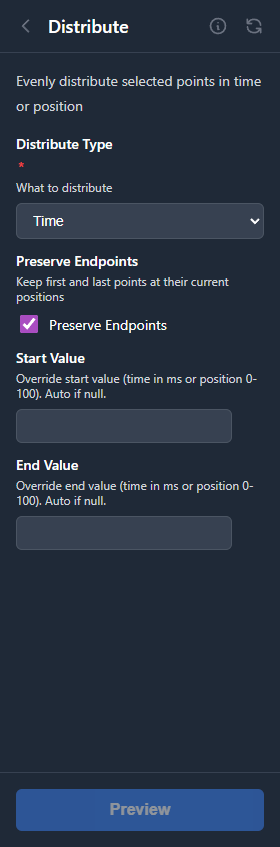
The Distribute tool spaces selected points evenly in time. The first and last points stay in place, and all points in between are repositioned to have equal time intervals.
How It Works
Given N selected points:
- Calculate the total time span from first to last point
- Divide by (N - 1) to get the interval
- Place each intermediate point at its new time position
Position values are not changed, only the timing.
Use Cases
Even Out Irregular Patterns
If you have points that are unevenly spaced, distribute them to create a more regular rhythm.
Create Consistent Speed
For movements that should have consistent speed, distributing points evenly ensures uniform timing.
Clean Up After Editing
After moving points around manually, distribution can restore a clean, even pattern.